Try a form on your phone, right now.
It is the form of a made-up company, Example Ltd. You fill it in, attach a photo and sign with your finger, as one of your customers would at the counter. No sign-up and no email address.
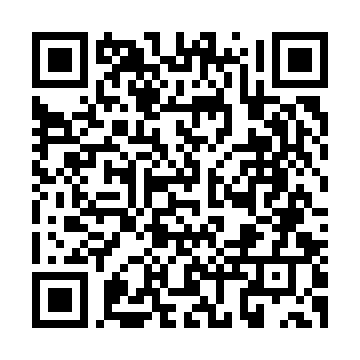
Made-up values to copy
The fields are really checked: these values pass. Try getting one wrong, too.
- IBAN
- GB82WEST12345698765432
- VAT number
- GB123456789
- Postcode
- SW1A 1AA
What you see in the form
- 01
Questions that adapt
Pick Private person or Company: only the fields that apply appear, the others go away.
- 02
Checks as you type
Email, phone, IBAN and dates are checked straight away, with a message that says what to fix.
- 03
A line of help under every field
In this form the help explains how the field works. In yours it will tell the customer what to write.
- 04
Attachment and consent
It asks for a photo, the way you would ask for an ID document: any picture will do. Then an optional consent you can give or not.
- 05
Sign with your finger
You review the filled-in PDF, sign on the screen and download the signed document.
Good to know
-
Use made-up details
What you type, the attachment and the signed PDF reach a demo account of ours, as they would reach your office. Do not enter real details or attach real documents.
-
You are not signing anything real
It is a sample form: no contract is created and nobody will contact you. In fact, we do not even verify your email: in the form you can type a made-up one.
-
The email code is missing here
To let you try without leaving your email, this form does not send the confirmation code (OTP). In real requests, sent by link or email, the code is on by default for every signature: the signer receives it in their inbox and enters it before signing, and the audit record shows their email as verified. It is one more piece of evidence of who signed; it remains a simple electronic signature.
-
If it is not working right now
If for any reason the form does not open, ask for a demo: it is always free.
-
Your own form works the same way
You upload the PDF you already use and choose fields, checks, attachments and consents. You print the QR and keep it at the counter; the office receives the complete file. If you like, we prepare your first form for you.